


ASJWhats
SocialWhatsApp
Last updated November 23, 2026
Privacy, statuses, backup and chat options for WhatsApp — without changing how the app looks.
Open it from its own ASJWhats row in WhatsApp's Settings, right under your profile.
Key features
Privacy
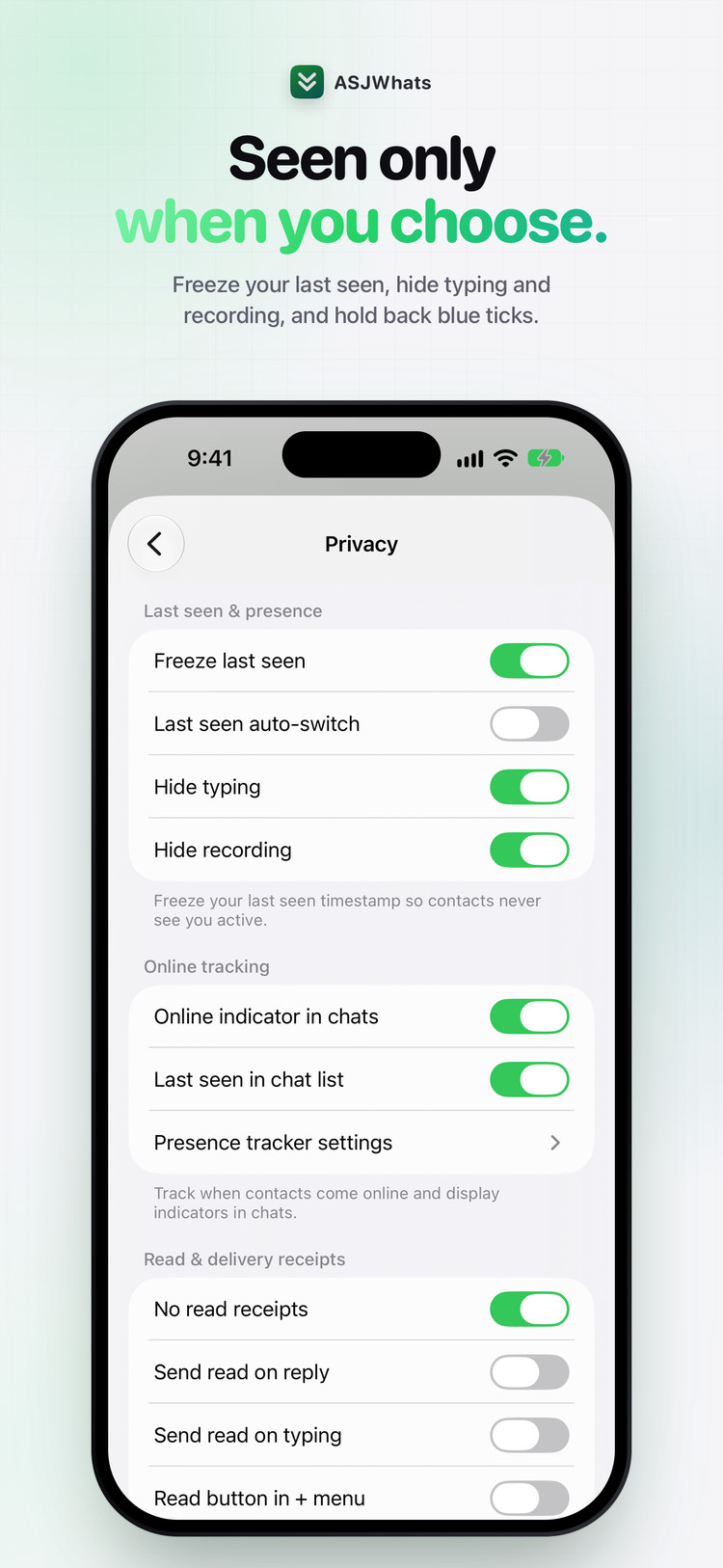
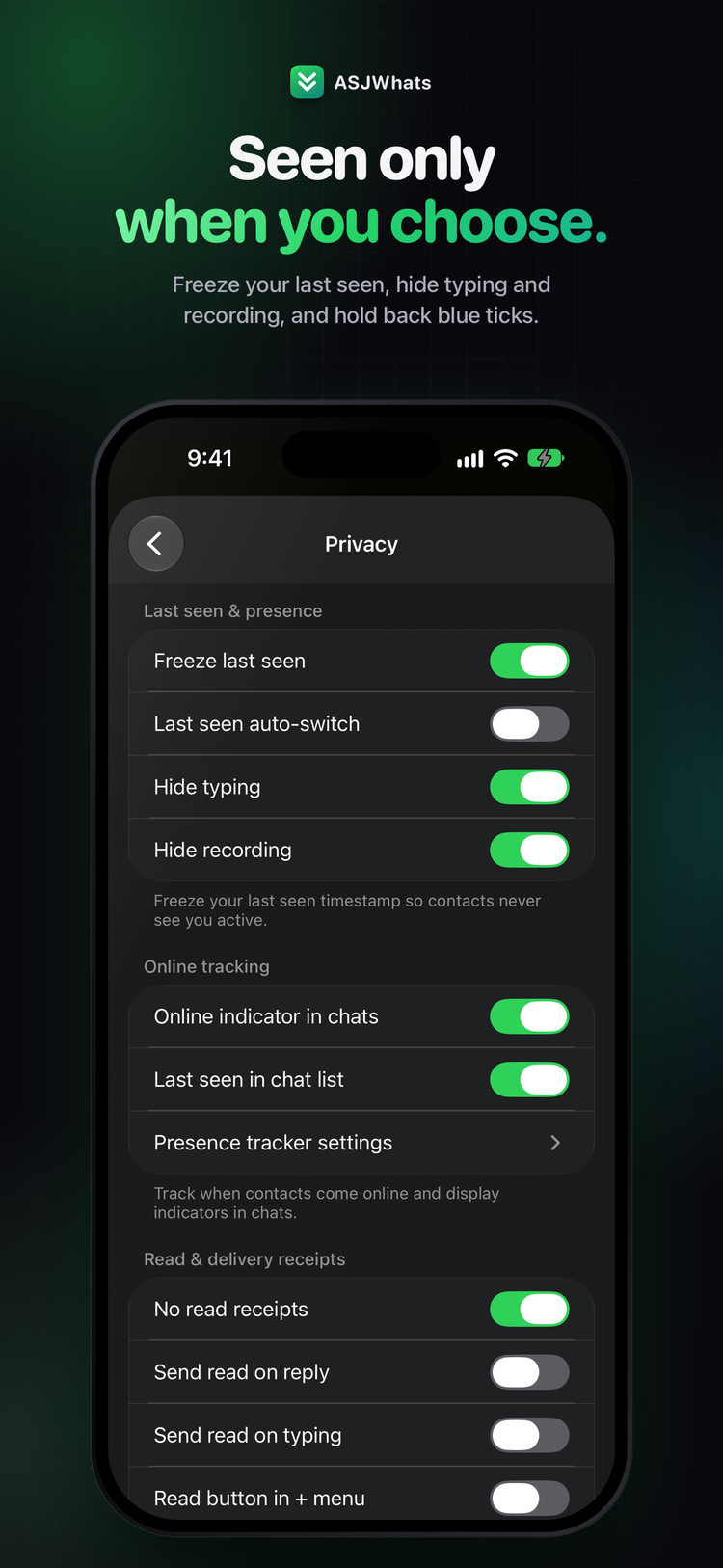
- Freeze last seen — contacts never see you active
- No blue ticks — send them when you reply, when you type, or with a Read button
- Hide typing and recording, and turn off delivery receipts
- View once, kept — replay it, and screenshot or record it without alerting
- Privacy per contact, quick privacy controls, and a switch that cuts WhatsApp off the network
- Hidden chats — out of the chat list, behind a secret code and a passcode
Messages and calls
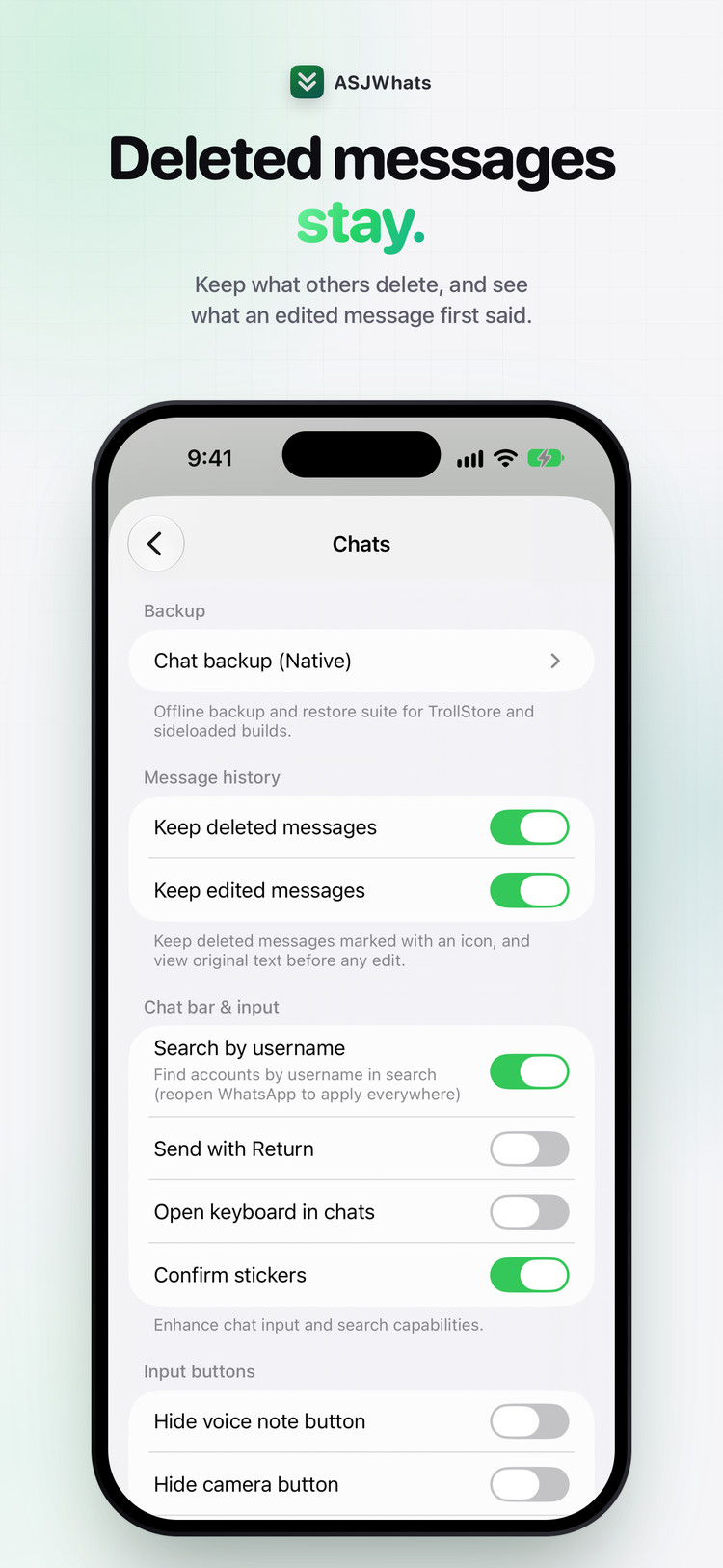
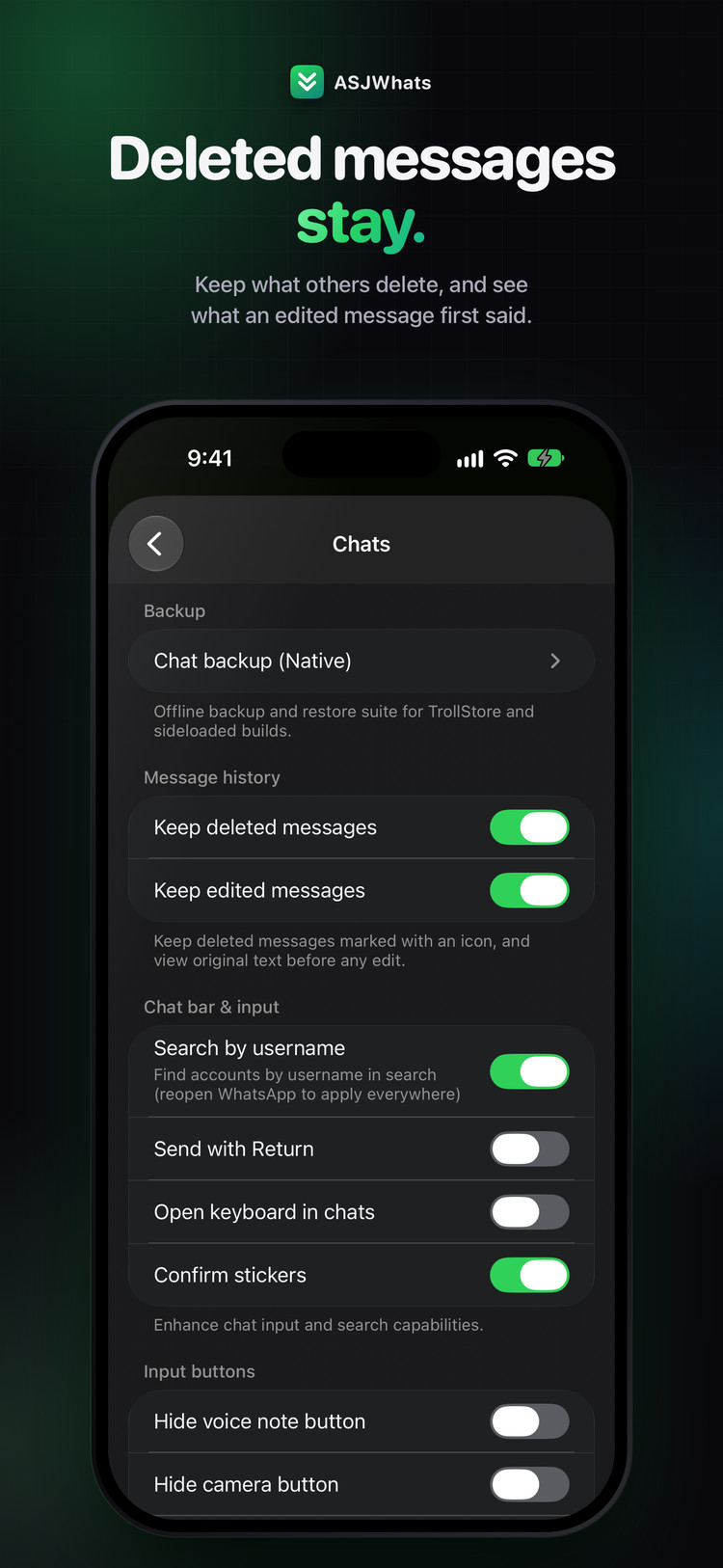
- Keep deleted messages — marked with an icon
- See what an edited message first said
- Forward to 20 chats, without the Forwarded label
- Pin up to 20 chats, and keep archived chats in the archive
- Message any number without saving it
- Block incoming calls from everyone or from the contacts you choose, and record calls on your phone only
- Confirm before calling, hide the call buttons, send with Return, tap to record voice notes
- Message history — every edit and deletion of a message, with its time, and disappearing messages you can keep
- Quick controls — every option for a chat on one sheet, from its long-press menu
- Chat list filters — muted, pinned, business, saved and inactive chats, several at once
- Record every call or only the contacts you choose, delete old recordings on their own, and trim or cut them
Automation
- Auto Reply — answer messages automatically with your own rules
- Message Scheduler — send messages later, once or on repeat
Statuses and updates
- Watch statuses unseen — send the view only when you want to
- Save any status, and keep the ones that get deleted
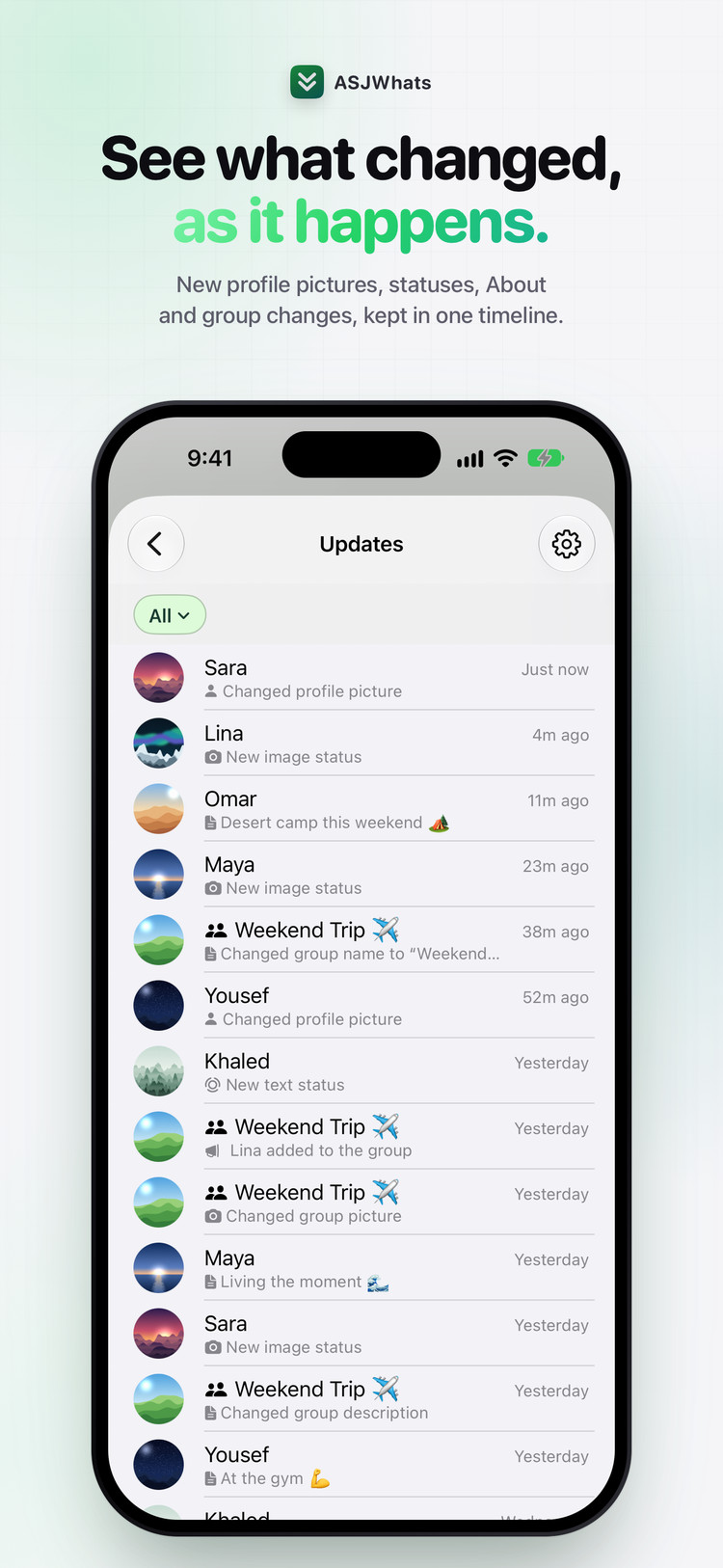
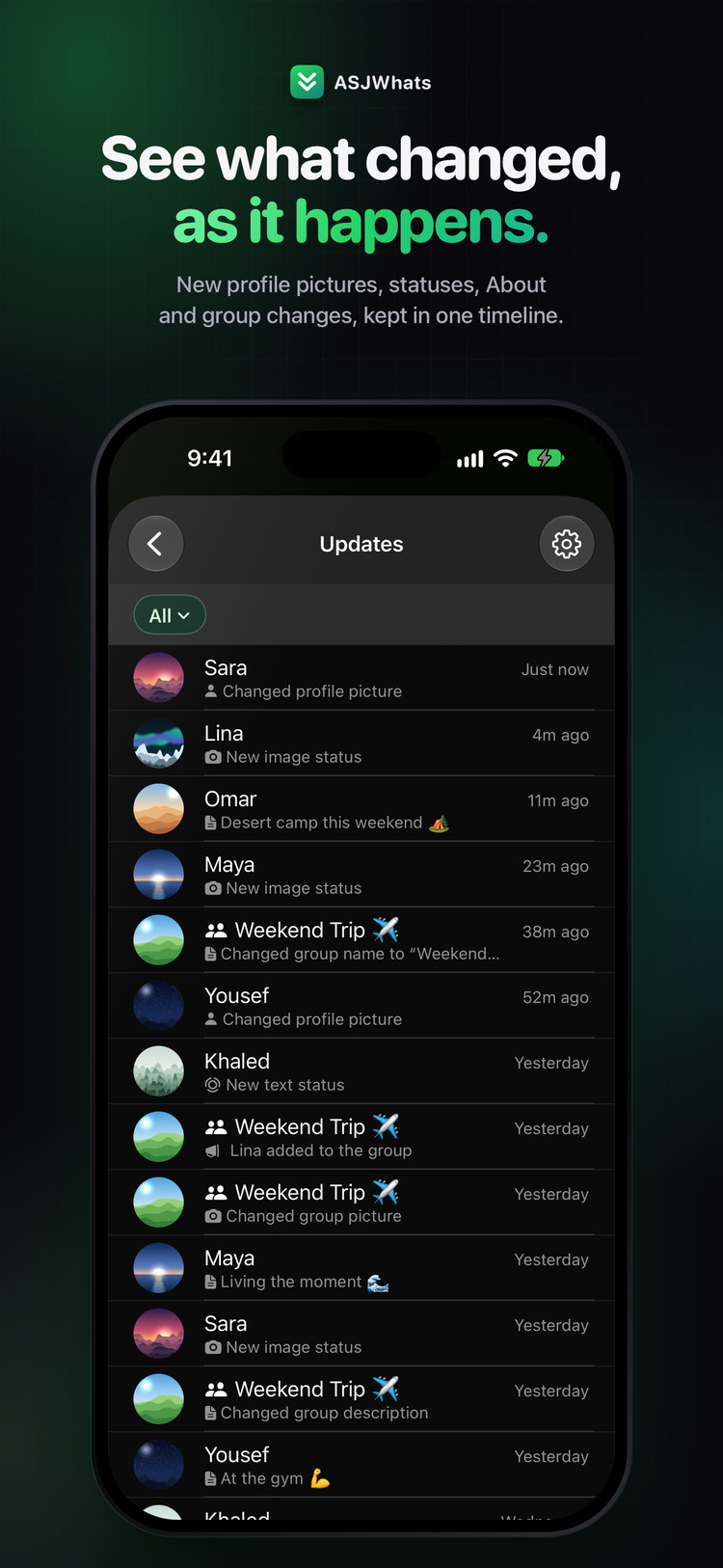
- Updates timeline — new profile pictures, statuses, About and group changes, as they happen
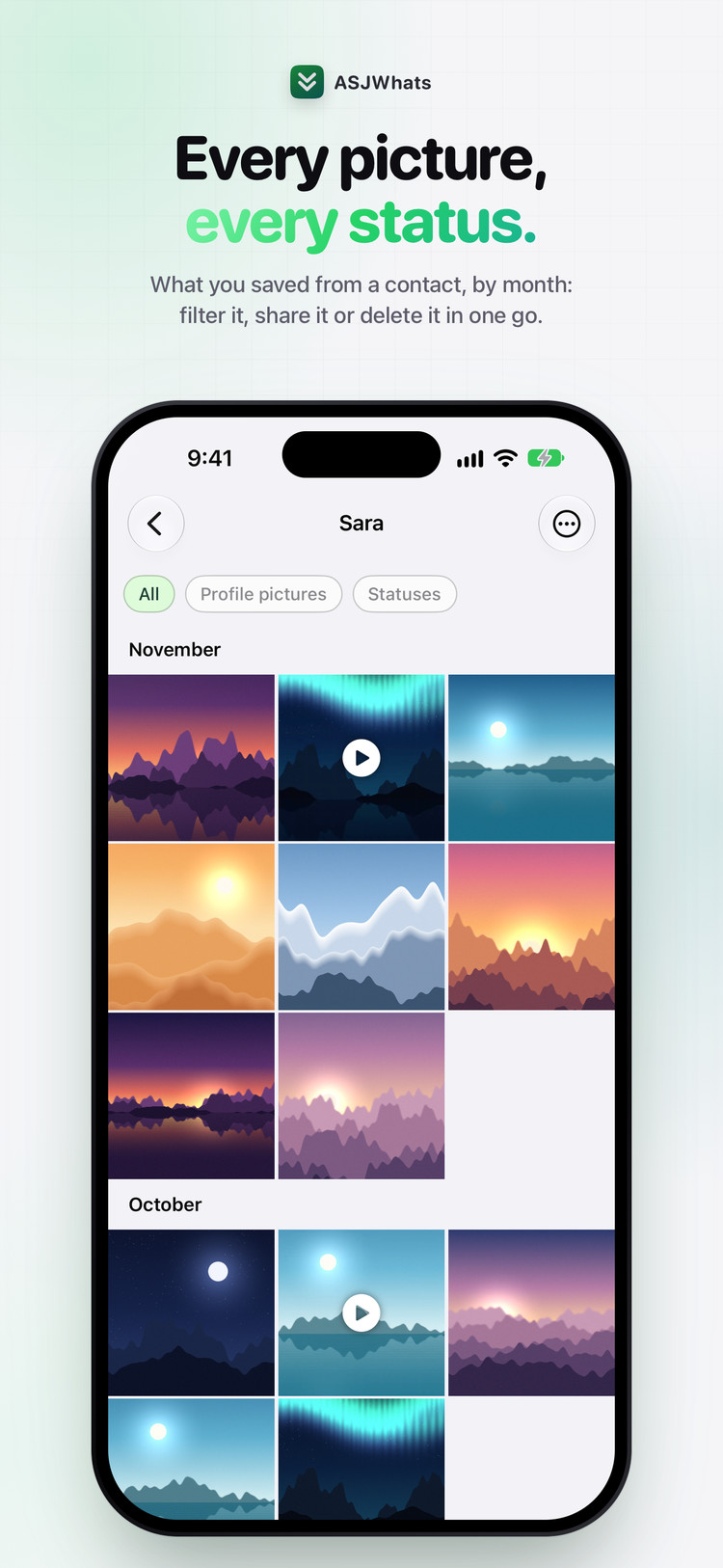
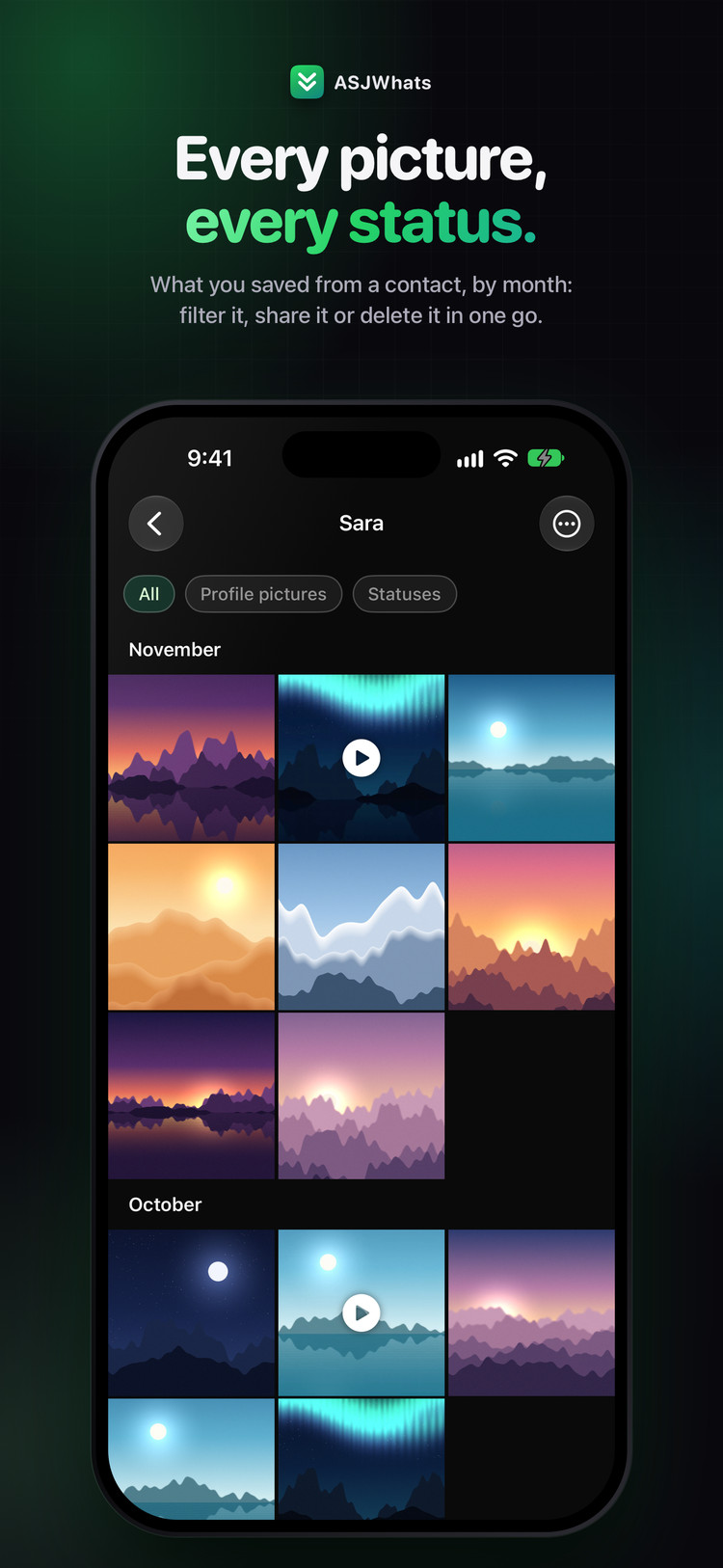
- A contact's saved pictures and statuses sorted, shared or deleted together — a long-press on their status opens them
- Saved pictures and statuses in landscape, on iOS 16 and later
- Every status you post kept, with its viewers
- How many people saw your status, on My status
- Statuses at the top of Chats, and long videos split into parts for your status
- Confirm likes and reactions before they go, and hide quick reactions
Contact alerts
- Know when they're online — an alert when a contact comes online, goes offline or starts typing
- Contact tracking — when they came online, when they left and how long they stayed
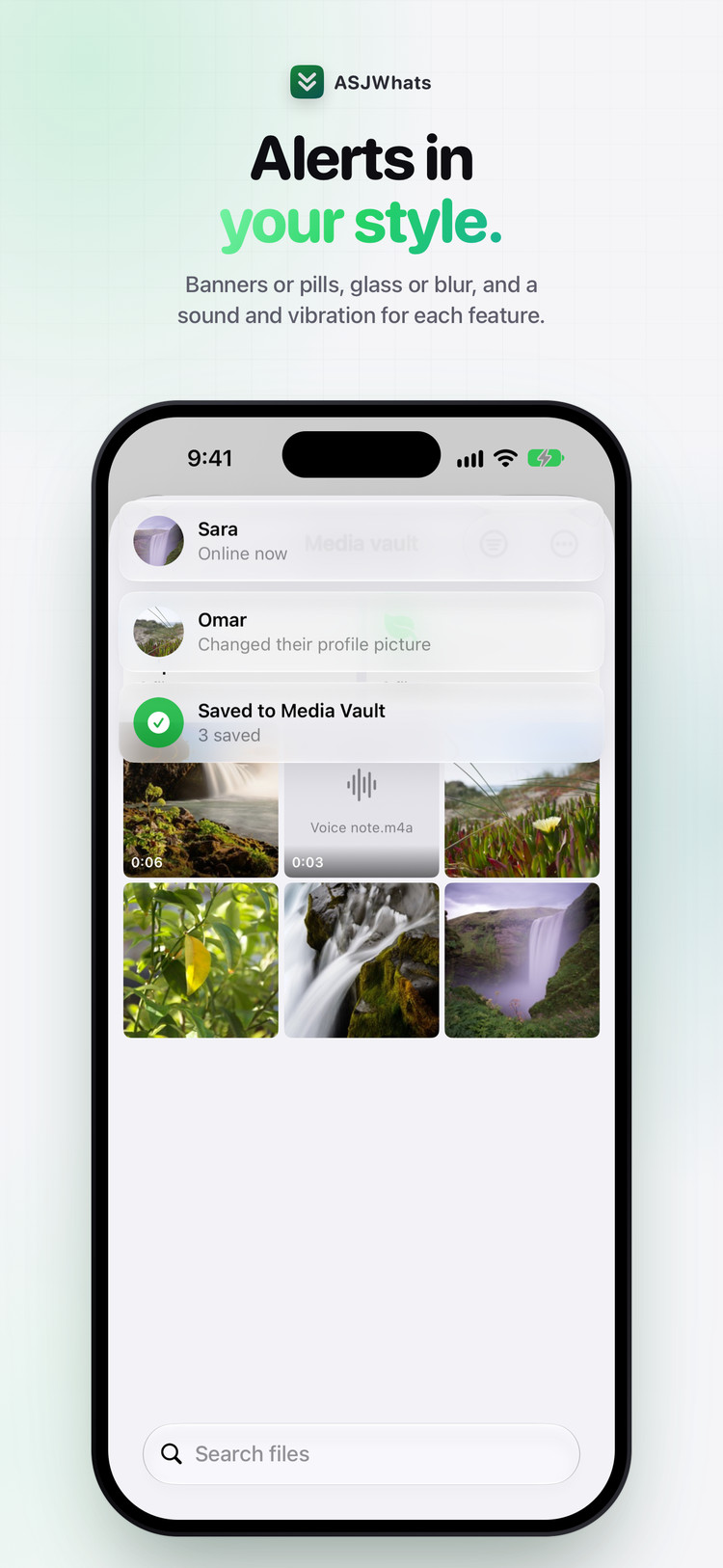
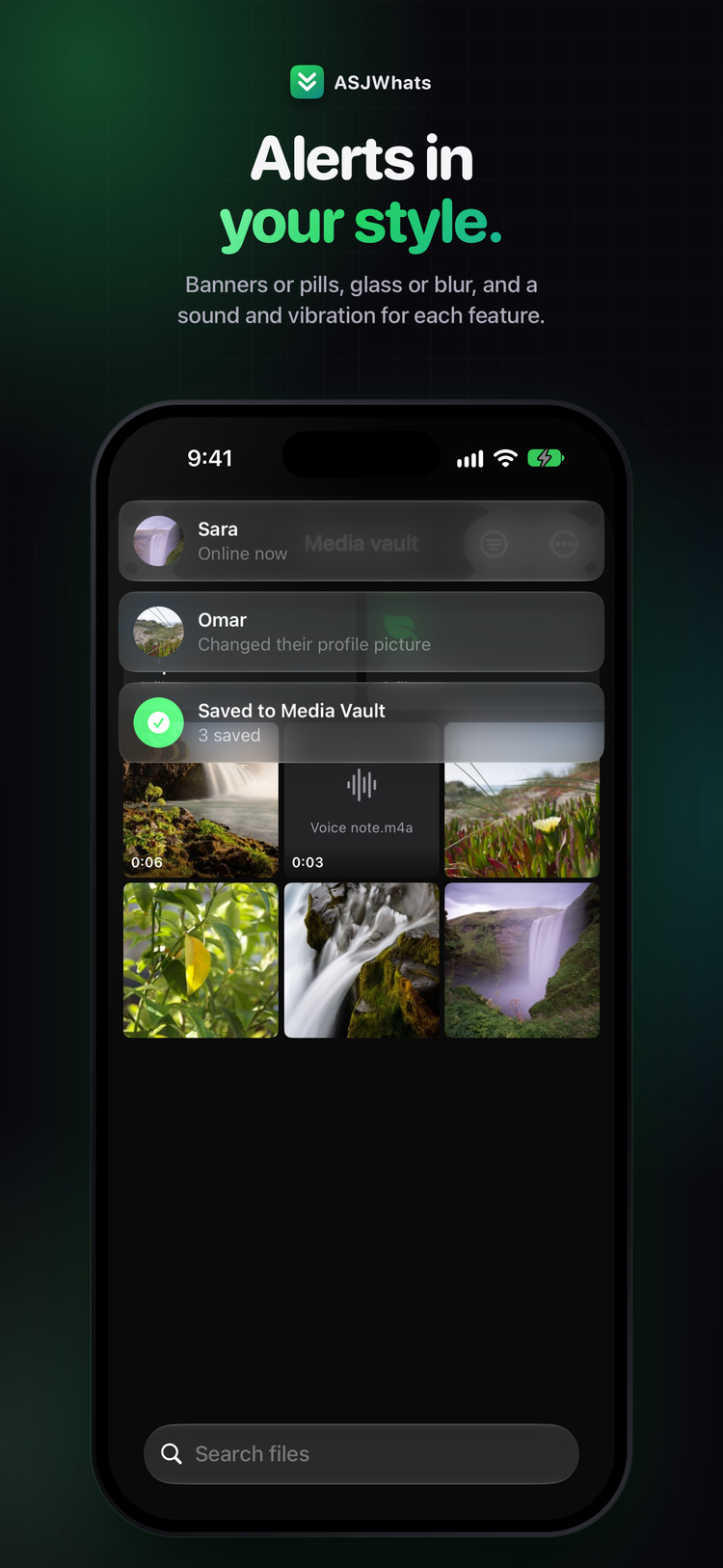
- Styled alerts — banners or pills, glass or blur, and a sound and vibration for each kind, all kept in one history
- Online dots in chats, and last seen in the chat list
- Every alert in one log
- Quiet hours, an online list, and the online history saved as CSV or JSON
- For contacts who share their last seen
Media
- Always send HD photos and videos
- Pick unlimited photos, and select all in a chat's media
- Save profile pictures, and export voice messages
- Longer GIFs, and a forward button in the media viewer
- More in the + menu — a screenshot of the whole chat, images and GIFs from the web, photos sent as documents
- A video note from any video, from the + menu or the camera, and a voice message from any sound or song
Media vault
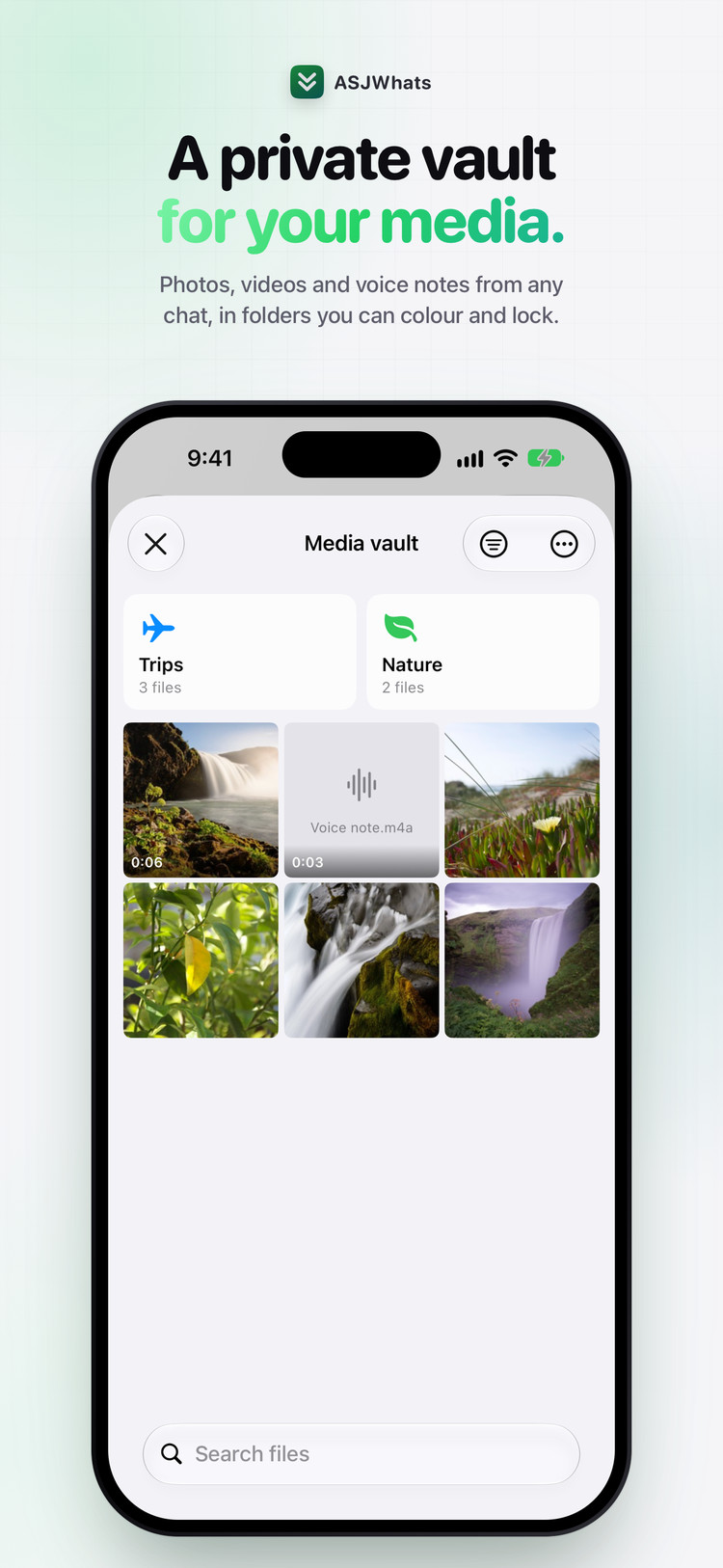
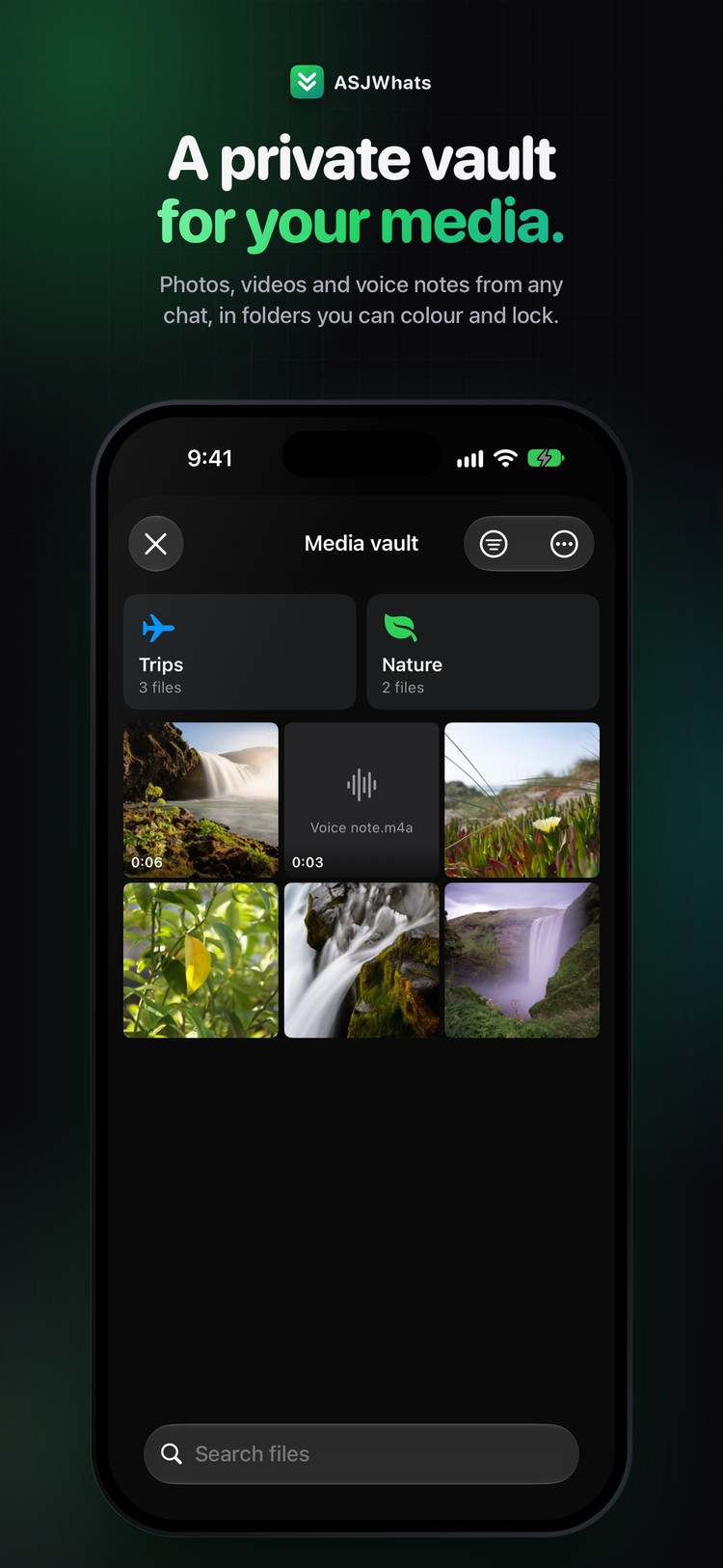
- A private vault for photos, videos, voice notes and files from chats, statuses and view once messages
- Folders you can colour and lock, smart folders, favourites and search
- Crop, rotate and resize photos; trim, mute and rotate videos; take a video's sound out, or keep only its sound
- Import from Photos and Files, and see a photo's or video's details — and take its location out
Stickers
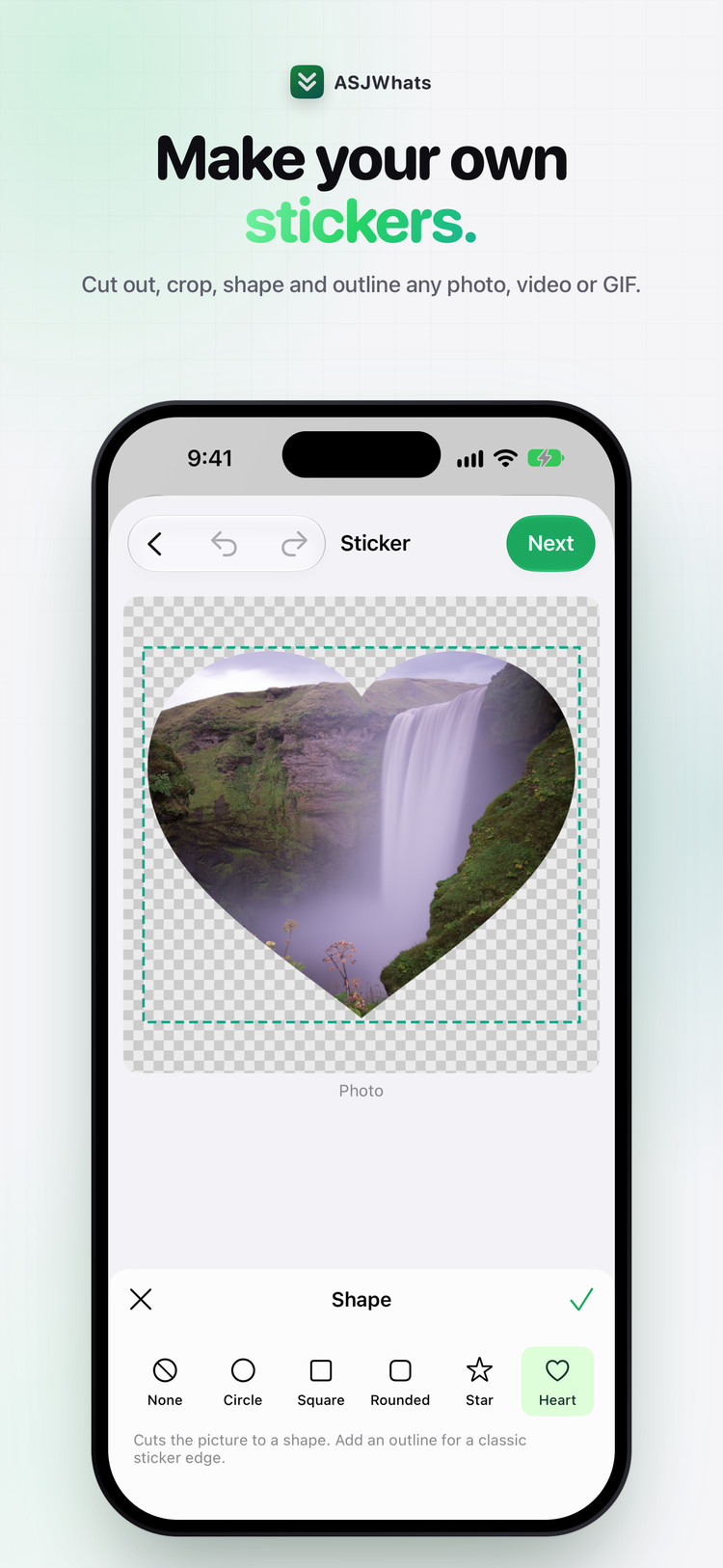
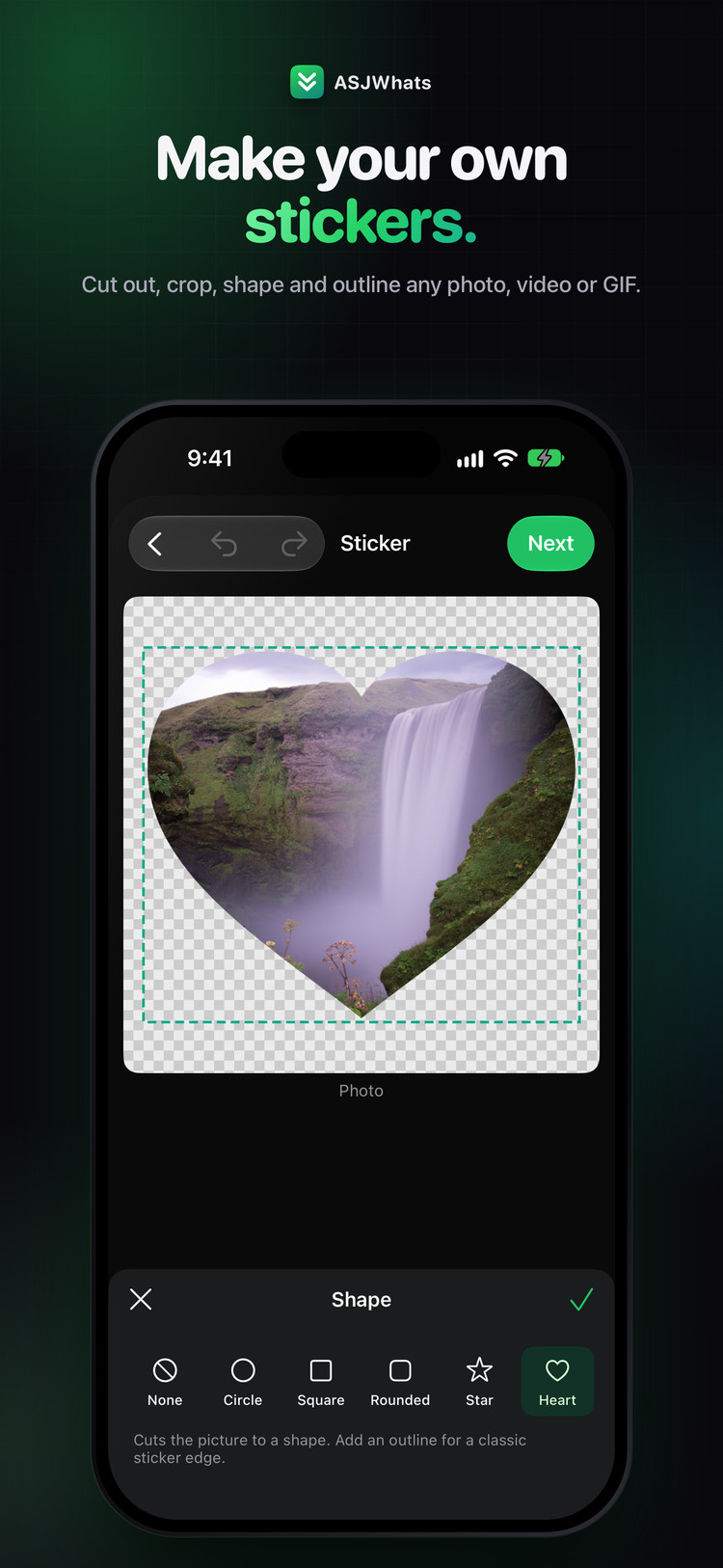
- Sticker Studio — make stickers from any photo, video or GIF: cut out, crop, shape, outline, text, emoji and drawing
- Animated stickers, sticker packs, and a gallery of every sticker in your chats
Look
- WhatsApp Plus — 14 app icons, accent colours for the app and chats, and call ringtones
- Liquid Glass — WhatsApp's new glass design
- Small titles, no status bar, portrait only
- Hide tab badges, the Meta AI button and more
- Seconds on every time, and normal-size emoji
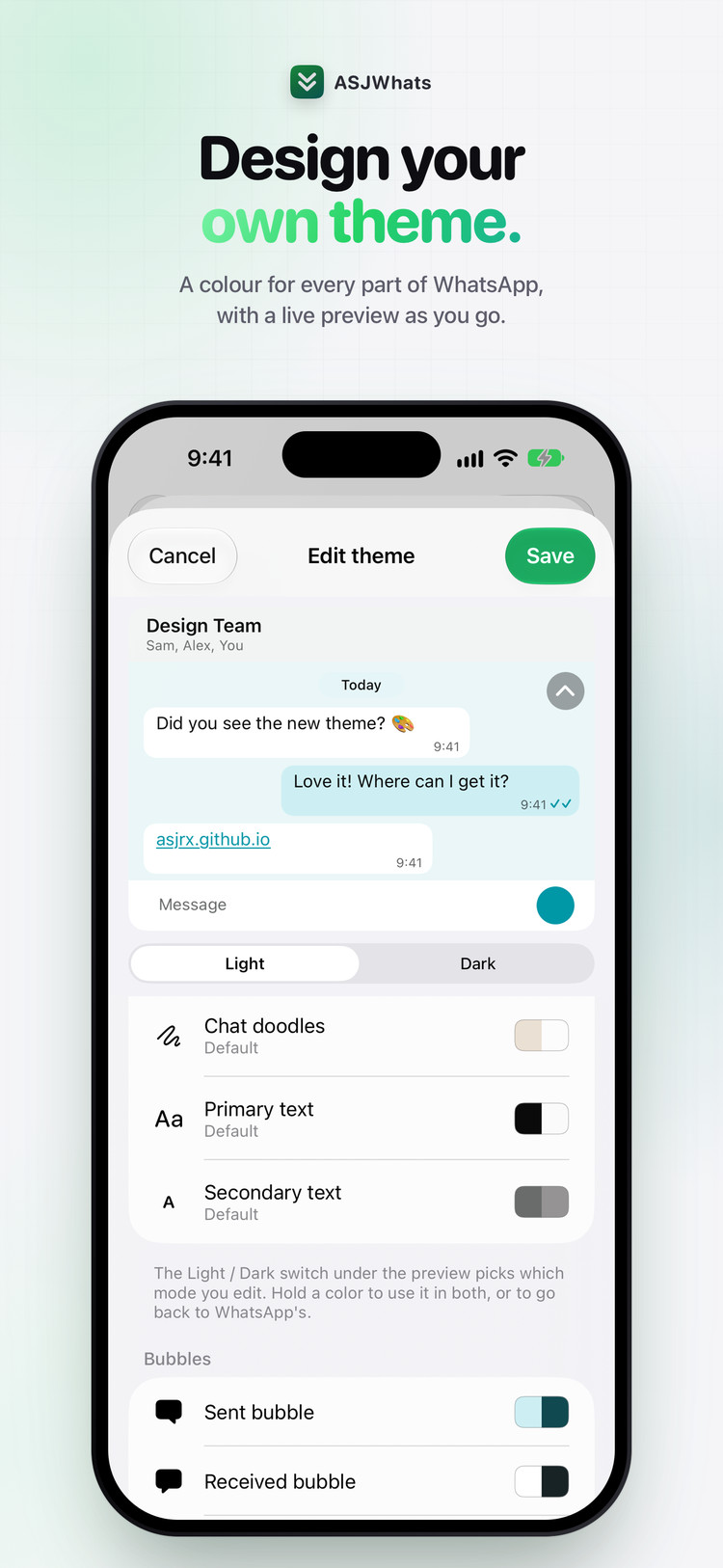
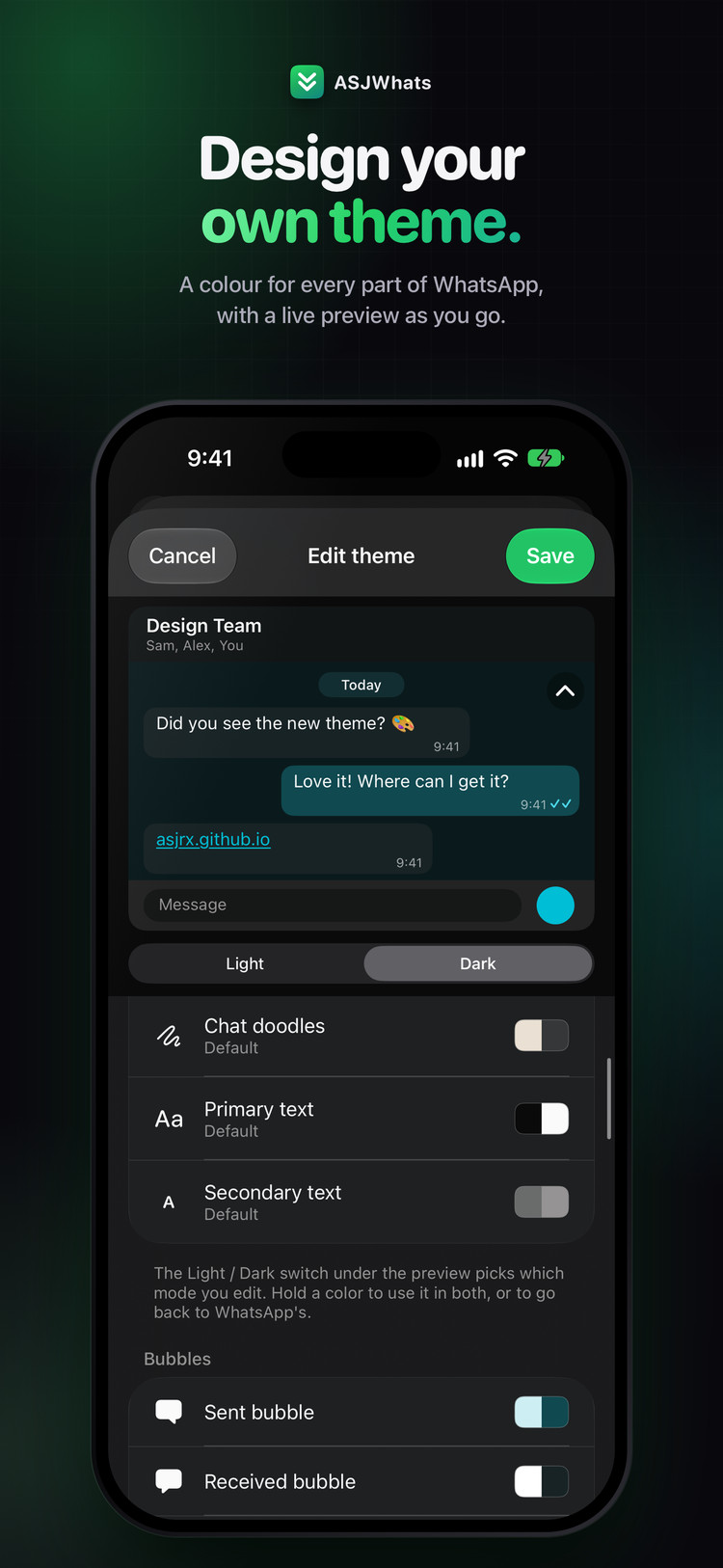
- Themes — design your own with a live preview, or start from a starter theme, with fonts and colours for bubbles and chats
- A theme for dark mode, a schedule or a chat, and your own tones, imported or recorded
- Tab bar — reorder or remove WhatsApp's tabs, and add ASJWhats screens as tabs
Security and backup
- App lock with Face ID, Touch ID or passcode — for WhatsApp, archived chats and starred messages
- Lock any chat, and cover WhatsApp in the app switcher
- Encrypted chat backup — with your own password, kept on your phone. No iCloud, no Google
- Backup center — ASJWhats' own data (settings, vault, recordings and more) saved to a file and restored, all of it or only the parts you choose
- A storage manager that shows what takes space, largest files first
- Lock ASJWhats' settings
Extras
- Private notifications — hide who wrote and what they wrote
- Messages that always arrive on a sideloaded WhatsApp
- Fake location — share any place you pick on the map
- Show a name and photo you choose for specific numbers, on your phone only
- Settings profiles — a set of settings for each WhatsApp account, shared as a file to another iPhone
- Links for the Shortcuts app — open an ASJWhats screen, or turn a switch on or off
- Polls — every vote kept, who hasn't voted, vote alerts and poll templates
- Search every option, in English or Arabic
- English and Arabic — follows WhatsApp's own language
- Pictures and statuses, sorted. Show a contact's saved profile pictures or statuses apart, sort them by newest, oldest or largest, select some to share or delete, or delete them all, and saved statuses now keep their captions.
- Saved statuses a long-press away. Long-press a contact's status in the Updates tab to open the statuses you saved from them.
- Who saw your status. The number of people who viewed your statuses in the last 24 hours, on My status.
- Video notes from the camera. In video note mode, a new button in WhatsApp's camera sends a video from Files, the media vault or Photos as a video note.
- Contact photo sync. Counts of the contacts synced, to update and without a photo, and a long-press menu to sync a contact or leave it out.
- Backups that say where they came from. A backup shows the iPhone, iOS, ASJWhats and WhatsApp it was made on, and you choose which parts to export.
- Share your settings. Save a settings profile to a file and import it on any iPhone, as a new profile or in place of one, after a preview of what it changes.
- Landscape for saved media. A button in the viewer of saved pictures and statuses shows a photo or video in landscape, and a video carries on from the same moment. iOS 16 and later.
- Fixed. Call recordings that never stopped, so the file would not play and the next call was not recorded, and status and sticker settings that were shared by every settings profile.
- Updated for WhatsApp 26.46.72. In WhatsApp and WhatsApp Business. The IPAs carry it.
1.1
- A private media vault. Photos, videos, voice notes and files from chats, statuses and view once messages, in folders you can colour and lock, with smart folders and tools to crop, trim and edit them.
- Alerts in your style. Banners or pills, glass or blur, and a sound and vibration for each kind of alert, all kept in one alert history.
- Your own themes. A colour for every part of WhatsApp with a live preview, starter themes, fonts and your own tones, and a theme for dark mode, a schedule or a chat.
- Sticker Studio. Make stickers from any photo, video or GIF: cut them out, crop, shape and outline them, add text, emoji and drawings, and keep them in packs.
- Auto Reply and Message Scheduler. Answer messages with your own rules, and send messages later, once or on repeat.
- Message history. Every edit and deletion of a message, with its time, and disappearing messages you can keep.
- Hidden chats. Chats taken out of the chat list, behind a secret code and a passcode.
- Quick controls. Every option for a chat on one sheet, from the chat's long-press menu.
- Polls. Every vote kept, who hasn't voted, vote alerts and poll templates.
- Tab bar. Reorder or remove WhatsApp's tabs, and add ASJWhats screens as tabs.
- Settings profiles and links. A set of settings for each WhatsApp account, and links for the Shortcuts app that open a screen or turn a switch on or off.
- Backup and storage. ASJWhats' own data backed up to a file and restored, and a storage manager that shows the largest files first.
- More in the + menu. A video note from any video, a voice message from any sound or song, and the newest photo in your library.
- Call recordings. Record every call or only the contacts you choose, delete old recordings on their own, and trim and cut them.
- Fixed. A crash a minute after changing a setting while the Meta AI button was hidden, the contact photo sync crash, contacts that stayed online in tracking, call recording turning on the loudspeaker, calls that would not connect on a sideloaded WhatsApp left in the background, statuses watched unseen starting over, and the missing ASJWhats row in WhatsApp Business.
- Updated for WhatsApp 26.44.74. The IPAs carry it.
1.0
- First release. Privacy, statuses, backup and chat options for WhatsApp, in English and Arabic.
- Ready for WhatsApp updates. An option a new WhatsApp no longer has is left out instead of crashing it, and three crashes in a row start WhatsApp in safe mode.
 Sileo
 Zebra
 Cydia
 Installer
 ESign
 KSign
 Feather
 Scarlet
 AltStore
 SideStore